Here are little tools to improve your experience during the MAC course. Even if you work only for one lab or a given test, it can help to have a better experience with these various technologies.
Couchbase
The web UI kinda sucks, mostly because there is no language support or completion, and the editor area is folding when you click on something else...
Here are a few solutions to fix this experience:
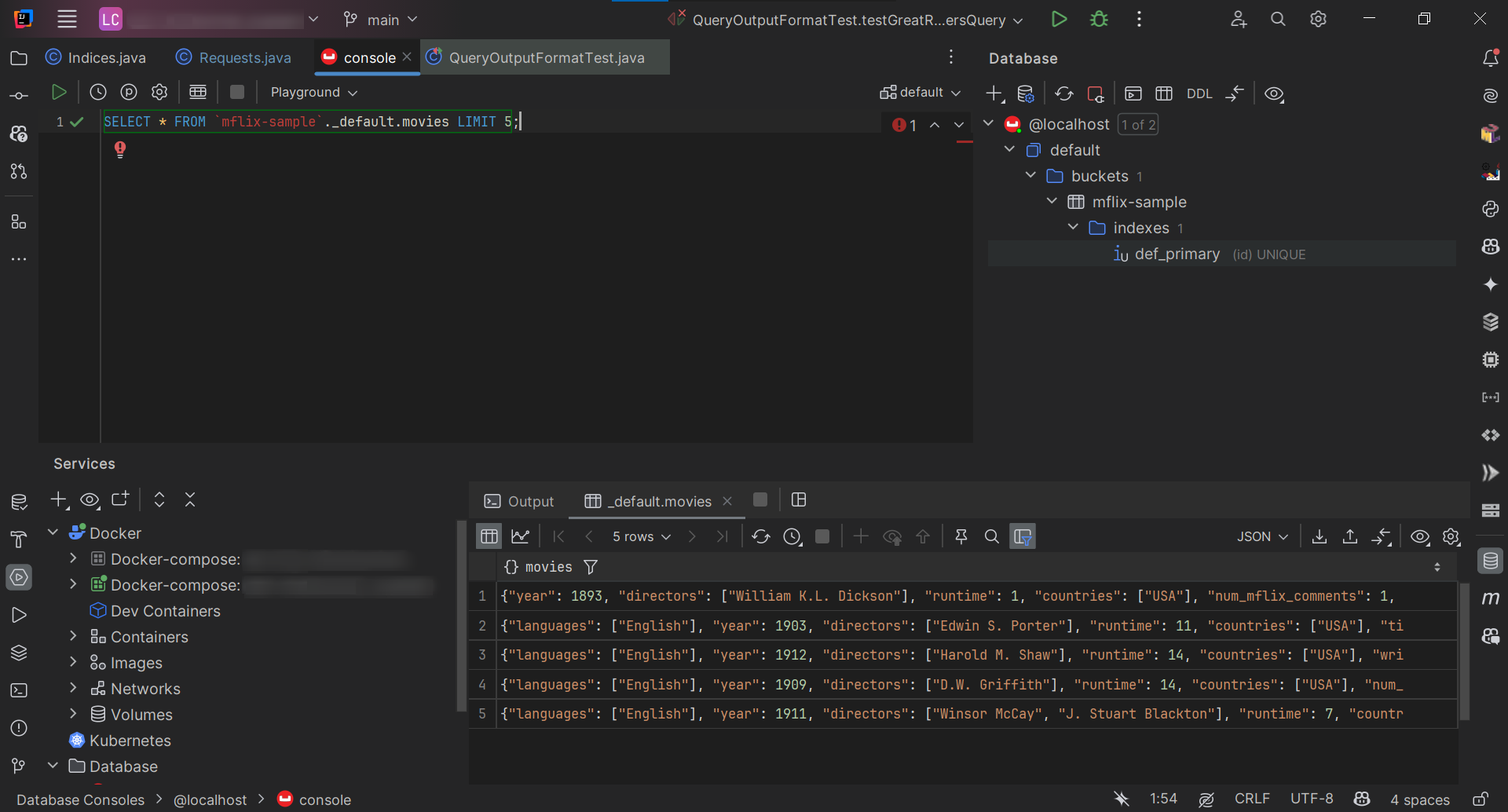
Lazy solution in IntelliJ (Ultimate probably), just click on + in Database panel to create a new connection of type Couchbase, enter credentials, and it should be working.
Preview of the result
More advanced terminal solution, you can run queries and get a pretty table in the terminal via the Couchbase shell. That's a dedicated shell based on Nushell, but you can run commands like cbsh -c "query 'select * from travel-sample'" to not use it interactively. I built a small.
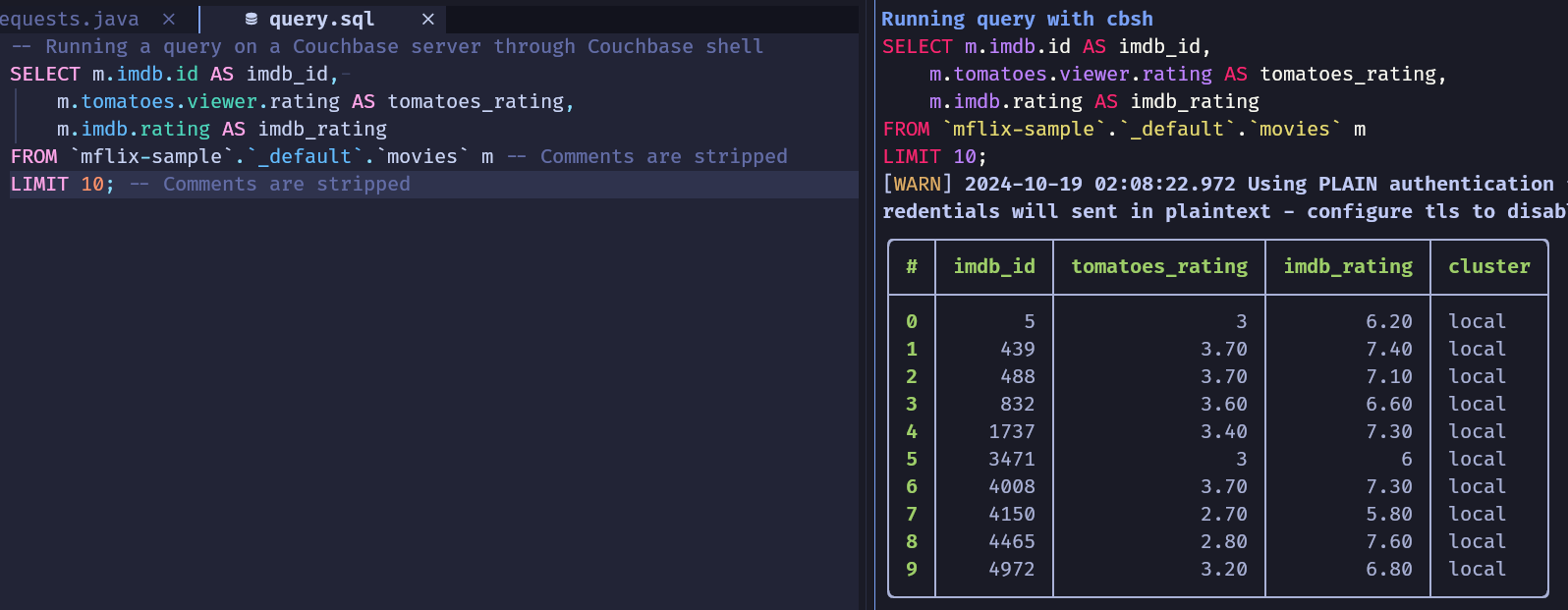
Preview of the result, running Neovim at left (but any editor will be fine) and cbwa at right.
You can save the given SQL file at any time, and it will run the query again and render the array.
Install the couchbase CLI, quick commands to run compilation yourself, or you can take existing binaries
Configure server access in ~/.cbsh/config, just paste this and adapt the credentials if necessary (the port is present in provided docker-compose.yml).
version =1llms =[][[cluster]]identifier ="local"connstr ="localhost:8091"default-bucket ="mflix-sample"username ="Administrator"password ="mac2024"tls-enabled =falsetls-accept-all-certs =true
Install this fish function in your ~/.config/fish/config.fish. Note: this is experimental, we didn't have time to test it...
# Couchbase with watch mode.
# Expect any .sql file as first argument containing a Couchbase query.
function cbshw
    set filename $argv[1]
    if test -z "$filename"
        echo Expected first argument to be a .sql file...
        return
    end

    echo $filename | entr -c fish -c "
        echo Running query with cbsh:;
        cat $filename | bat --language sql --style plain --paging=never --color=always;
        cbsh -c \"query '(cat $filename)'\" &| grep -v "Using PLAIN authentication";
    "
end
Neo4j
The web UI is better and really useful to see graphs, so I think that's a good and working option.