
Easier planning management
When you are looking at courses with the course sheets, you have to download them one by one... If you want to make sure you have all mandatory documents for the inscription, you cannot access middle pages of the form. When you are ready to pick your courses in GAPS, the UI is very large. This page helps you fix that.
Download all course sheets as PDF at once
Note: this script is not working for semesters since 2026
On this page, you can find the list of course for your orientations. If you want to consult of the 40+ PDFs, you'll need to click through all of them manualy. Here is a little Fish script that allows you to download them all at once!
curl -s https://codeberg.org/samuelroland/productivity/raw/branch/main/MSE/admin/dl/download-mse-courses-sheets.fish > /tmp/dl.fish
fish /tmp/dl.fish
Demo
You are running a little Fish script that is downloading all PDFs for MSE at HES-SO.
First choose what is your master orientation:
1 Civil engineering (CE)
2 Computer science (CS)
3 Data science (DS)
4 Electrical engineering (ElE)
5 Energy and environment (EnEn)
6 Information and cyber security (ICS)
7 Mechanical engineering (ME)
8 Micro engineering (Mic)

Give the number
[I] read> 2
Searching for PDFs with "Computer science (CS)" filter
Can you confirm you want to download the list of 53 PDFs file under folder courses-CS ? Enter y for yes, something else to cancel.
[I] read> y
Starting download, this might take a few minutes to avoid spamming the service too much...
In the meantime, you can start reading the first PDFs in courses-CS

Downloading http://mse.hes-so.ch/public/ma/maToPDF.php?id=1324
Downloading http://mse.hes-so.ch/public/ma/maToPDF.php?id=1367
Downloading http://mse.hes-so.ch/public/ma/maToPDF.php?id=1381
Downloading http://mse.hes-so.ch/public/ma/maToPDF.php?id=147

<stopped to make the demo shorter>

tmp> ls courses-CS/
MA_CSEL1.pdf  MA_LPSC.pdf  MA_MLBD.pdf  MA_NSA.pdf ...
Previous script obsolete PDF from before 2026
This PDF file is not shipped anymore, but you can still use this script if you have an archive of it.
# Little fish script to download MSE courses list (the PDF) + all courses descriptions linked inside
# It contains the main PDF + 53 courses PDF

# Adapt the year or name of the base file listing the table with all courses
set file MSE_OffreModules25-26_CS.pdf
# Extracting all links from the PDF
set links (strings $file | grep -oP "\(\Khttp:.*=\d+|https:.*key=[A-Za-z_]+|https://.*pdf")
# Creating a "courses" folder to receive all course PDFs
mkdir -p courses && cd courses

# Starting download
for link in $links
    echo Downloading $link
    curl -OJ "$link" -s
end
cd ..
The HES-SO master inscription form
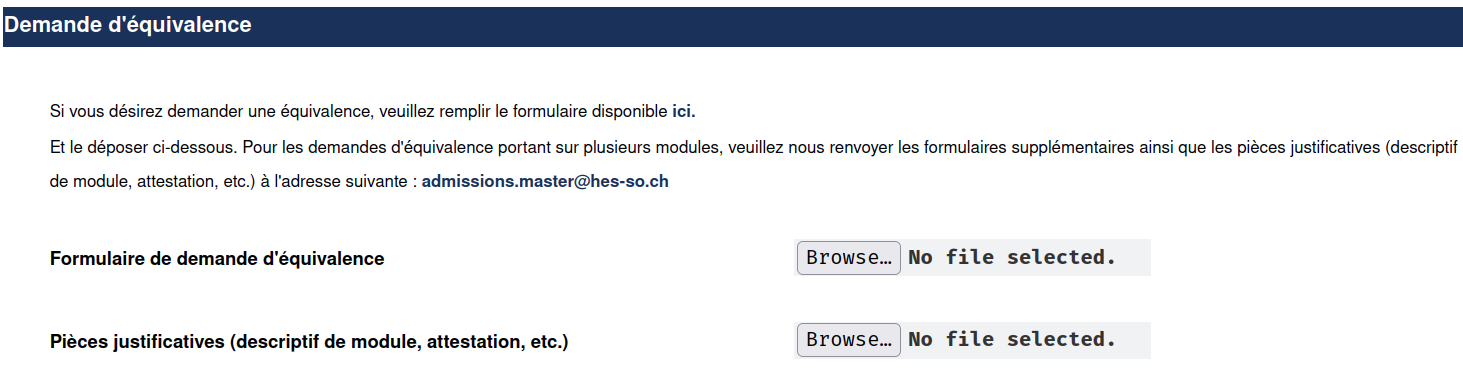
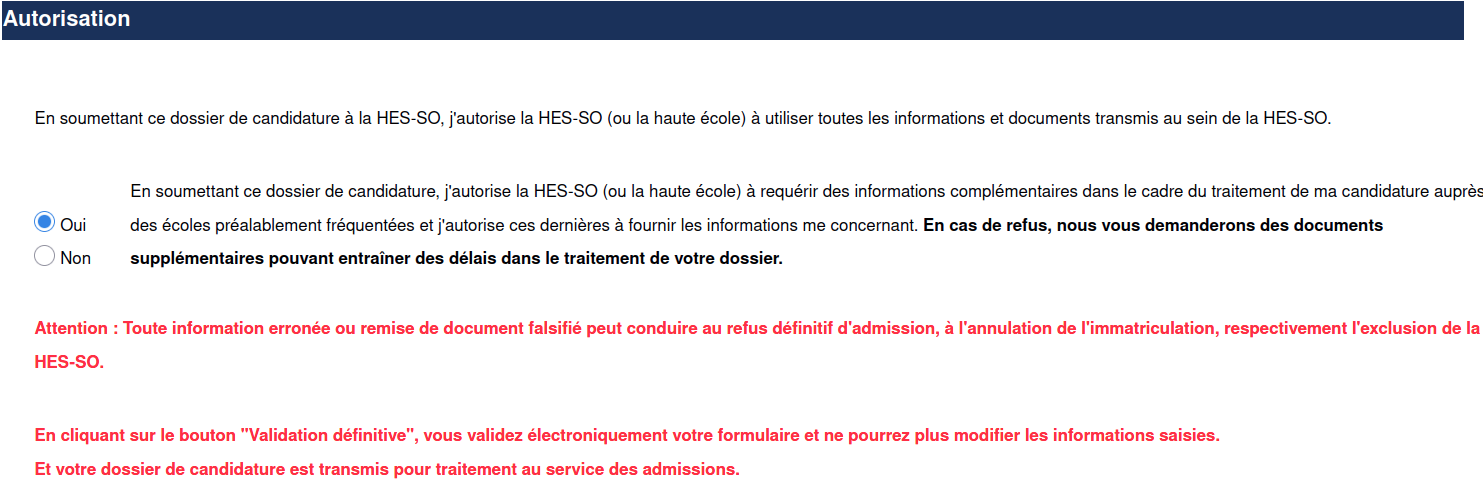
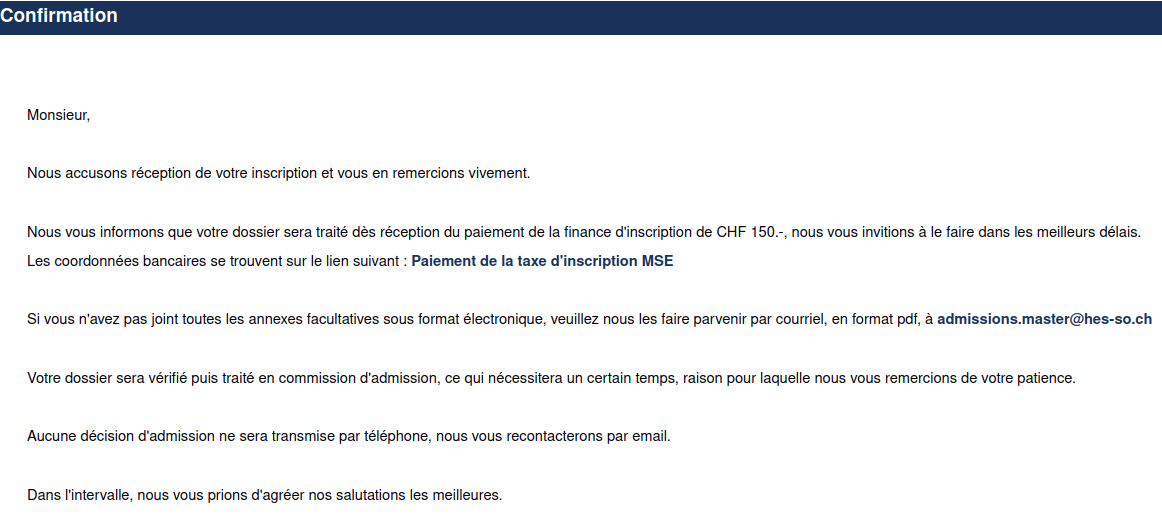
In case it can be useful, here is the preview of the inscription form as of 2025-04-21.
Show the first 3 pages of the form
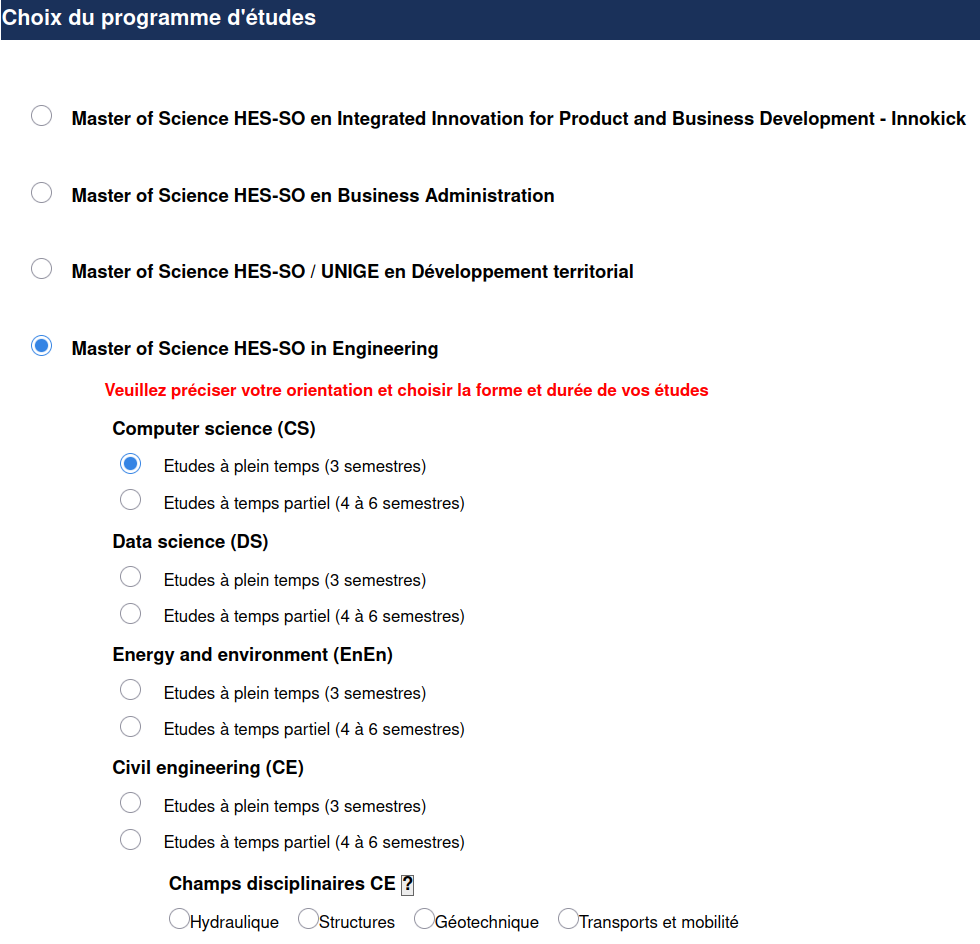
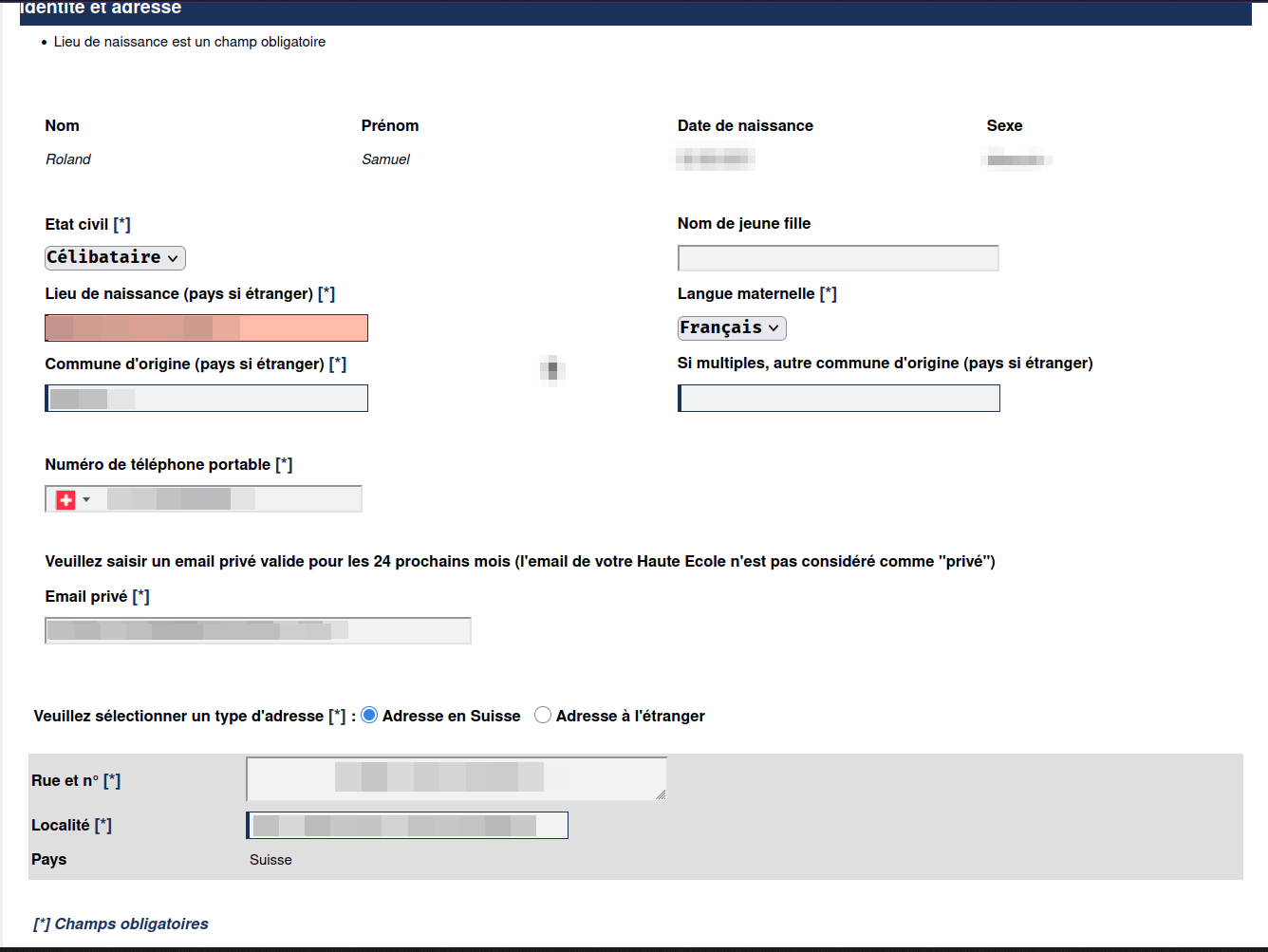
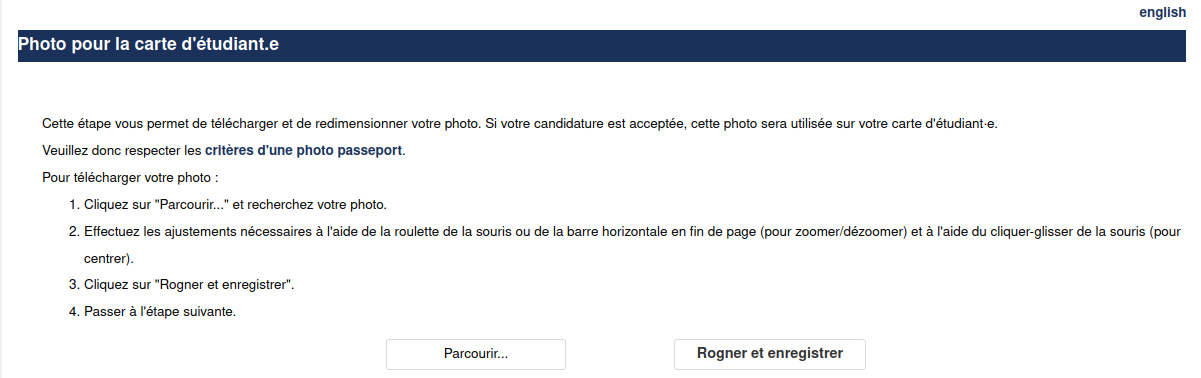
This is the an annoying page because you cannot submit the form before having all documents, so if the session has time out or if you close your browser, you have to start to select all these files one by one.
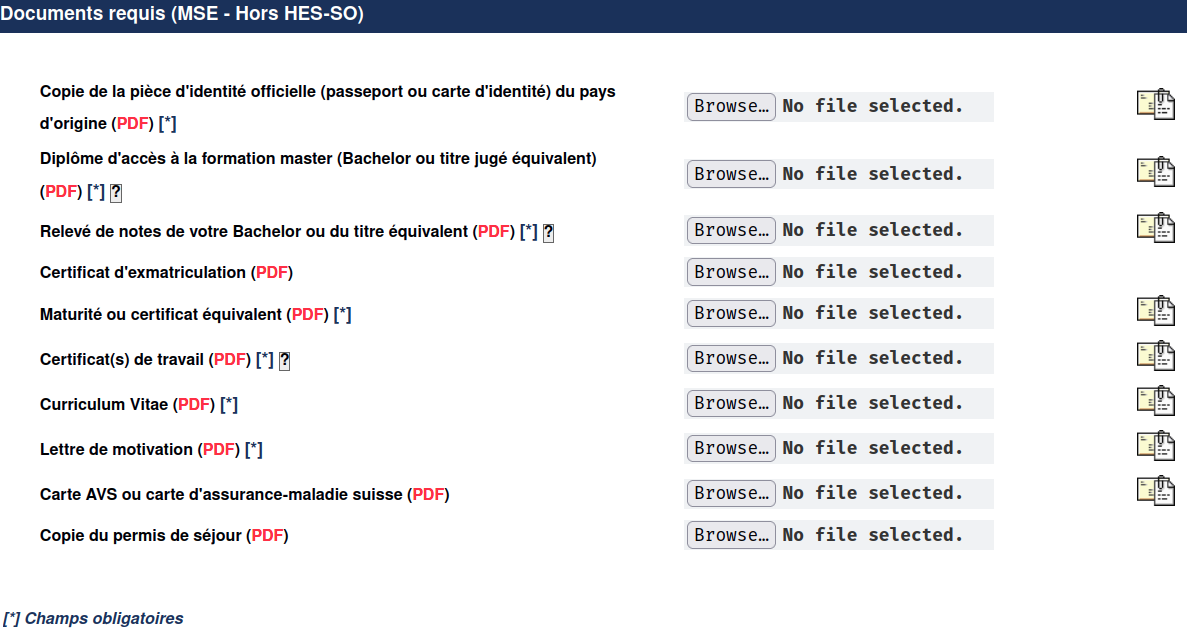
Fortunately, once you have submitted them, you can safely go back on the page without needing restart the page process...
Show the last 3 steps
Choosing courses - tweaks of the GAPS UI
The interface shows 2 very wide tables that are hard to work with.
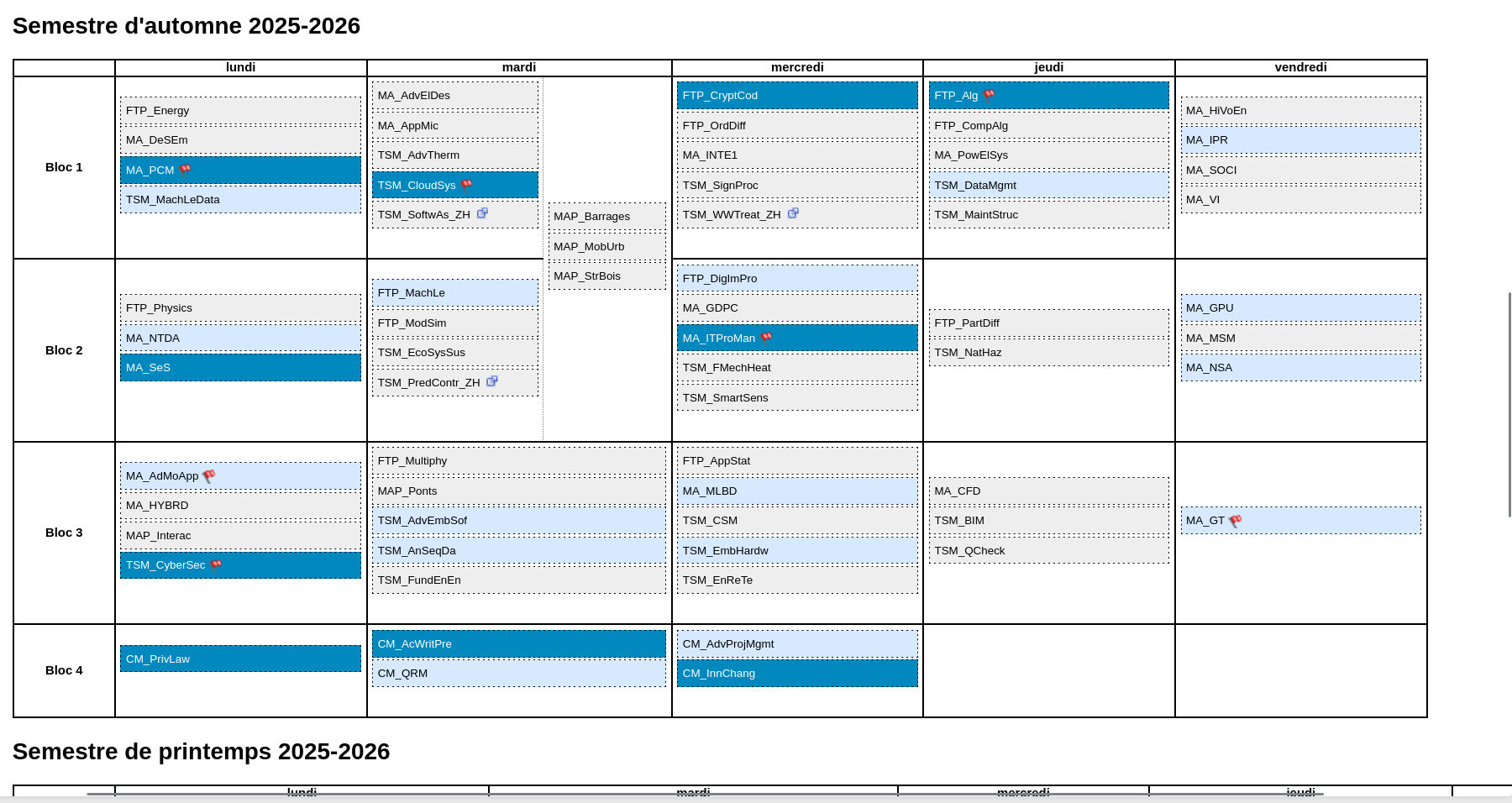
What if we could just hide all the course outside of our profil (everything in gray) (outside of Computer Science here) ? If you are sure you are not interested by any of the course outside, you can hide them ! The same table would look like that:
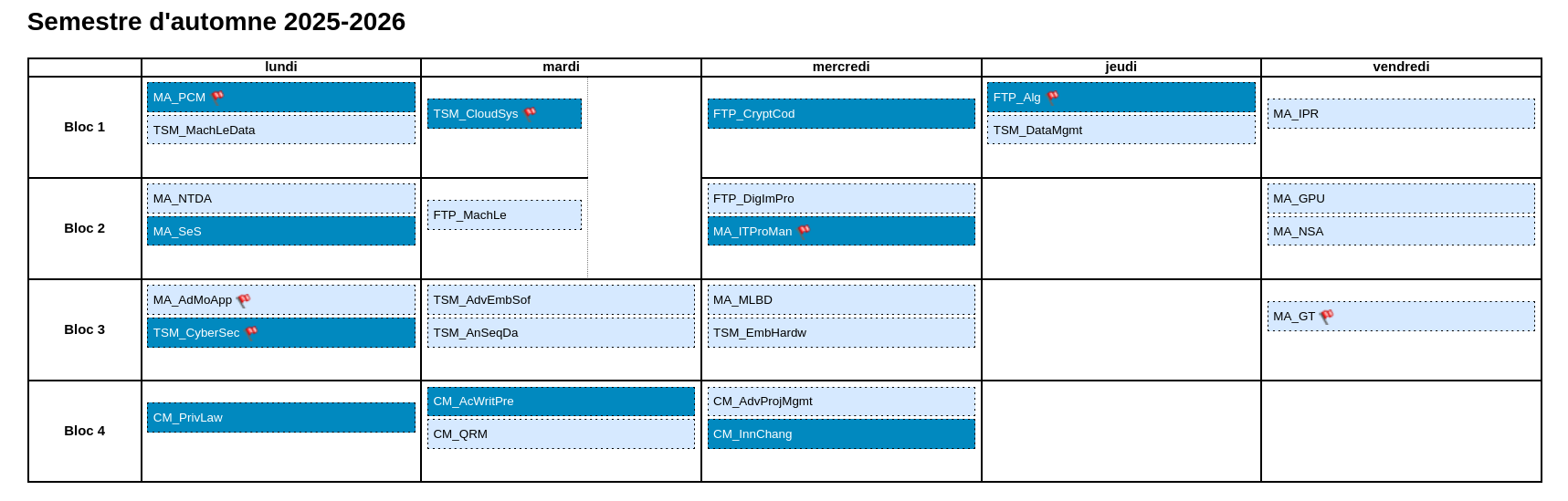
How you can do it too ? It's possible by injecting a few CSS rules like these:
.externeoutside{
    display: none;
}

.outside {
    display: none;
}
You need a browser extension like Custom CSS (that's the only one I know that allow to inject CSS by domain, URL or everywhere). Install it, open the page, open the extension and use Apply to URL, copy paste the snippet and save. You should see the changes to be working immediately.
But it's possible to go further...
You can even make these table cells way less large to have a compact table. In addition, you can make the course's names bigger !
With this CSS snippet to inject...
th.columnheader {
    min-width: 0em !important;
}

table.student_schedule ol li, table.enseignement_horaire ol li {
    width: min-content;
    font-size: 1.2em !important;
}

table.student_schedule ol, table.enseignement_horaire ol {
    padding-bottom: 0 !important;
}

table.student_schedule {
    width: min-content;
}

table.student_schedule td, table.student_schedule th, table.enseignement_horaire td, table.enseignement_horaire th {
    min-width: 0em !important;
}

.teachspan {
    padding-right: 1em !important;
}
That's the result !
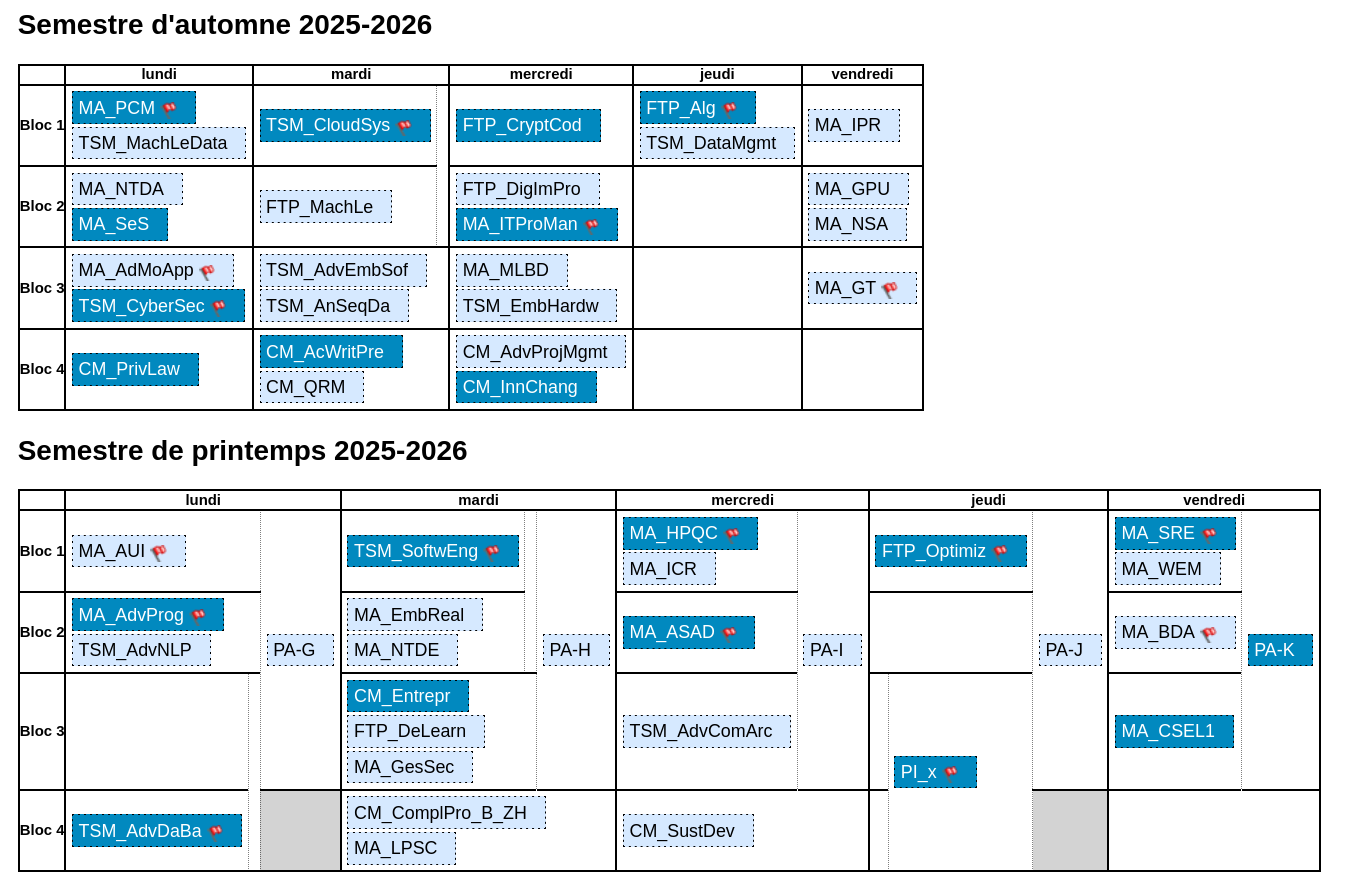
Hope you like this tip !
Random notes
L'attestation d'études sera probablement accessible le jour de bienvenue dans PocketHES directement.