
Ghidra setup
Setup
You can easily install that via Flatpak.
flatpak install flathub org.ghidra_sre.Ghidra
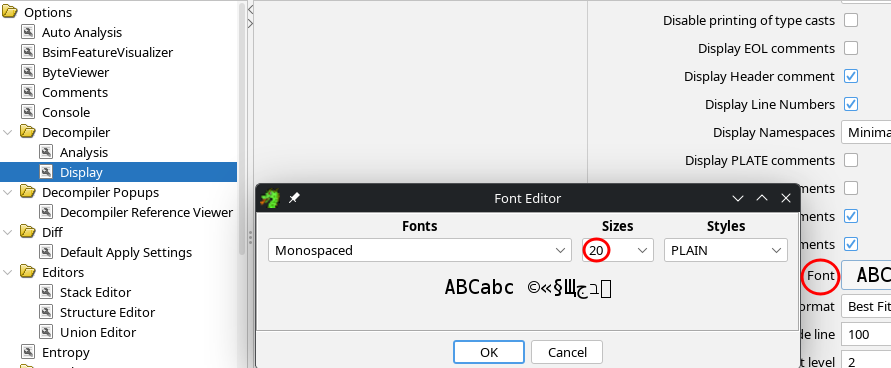
Make the font size bigger
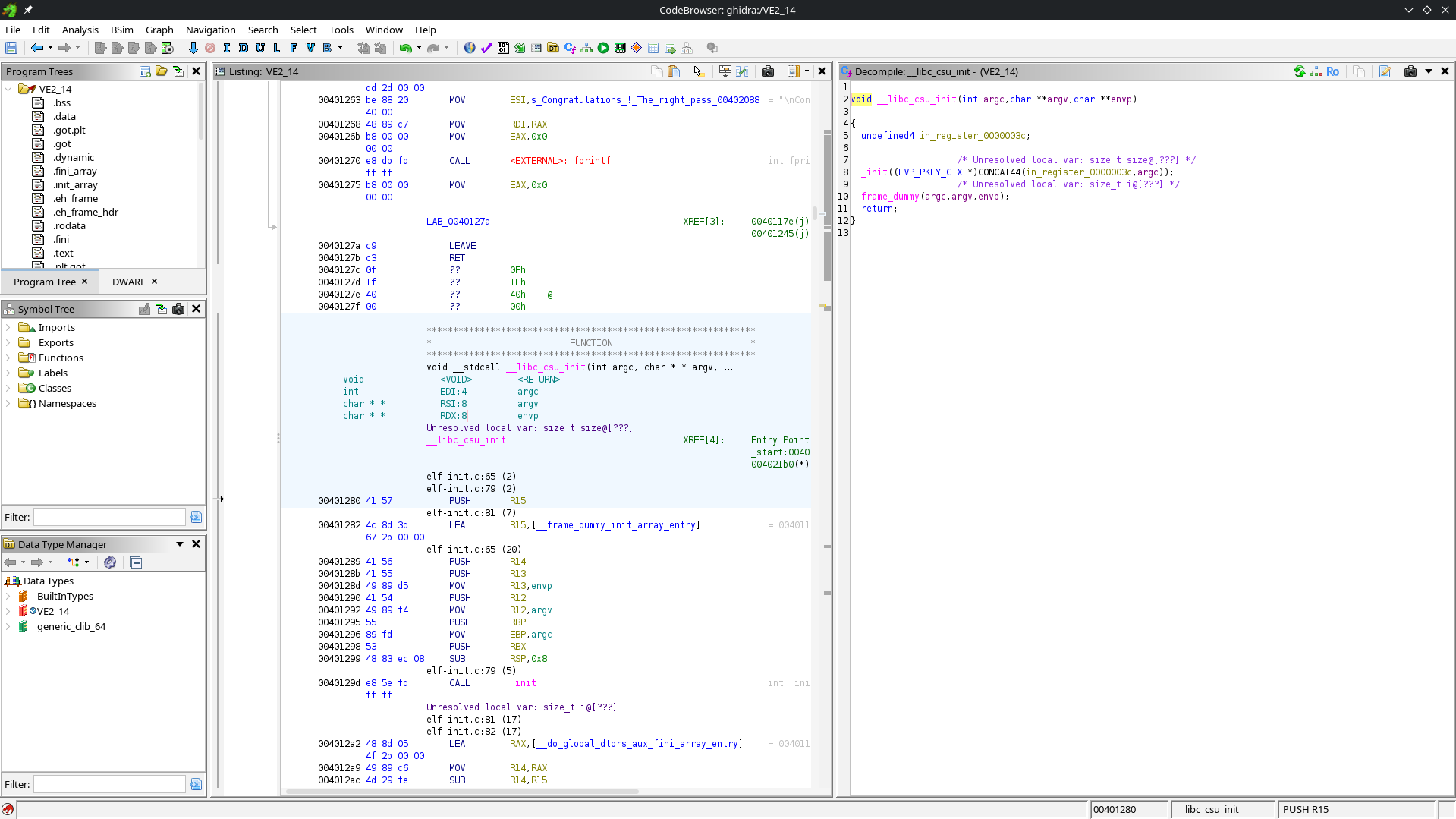
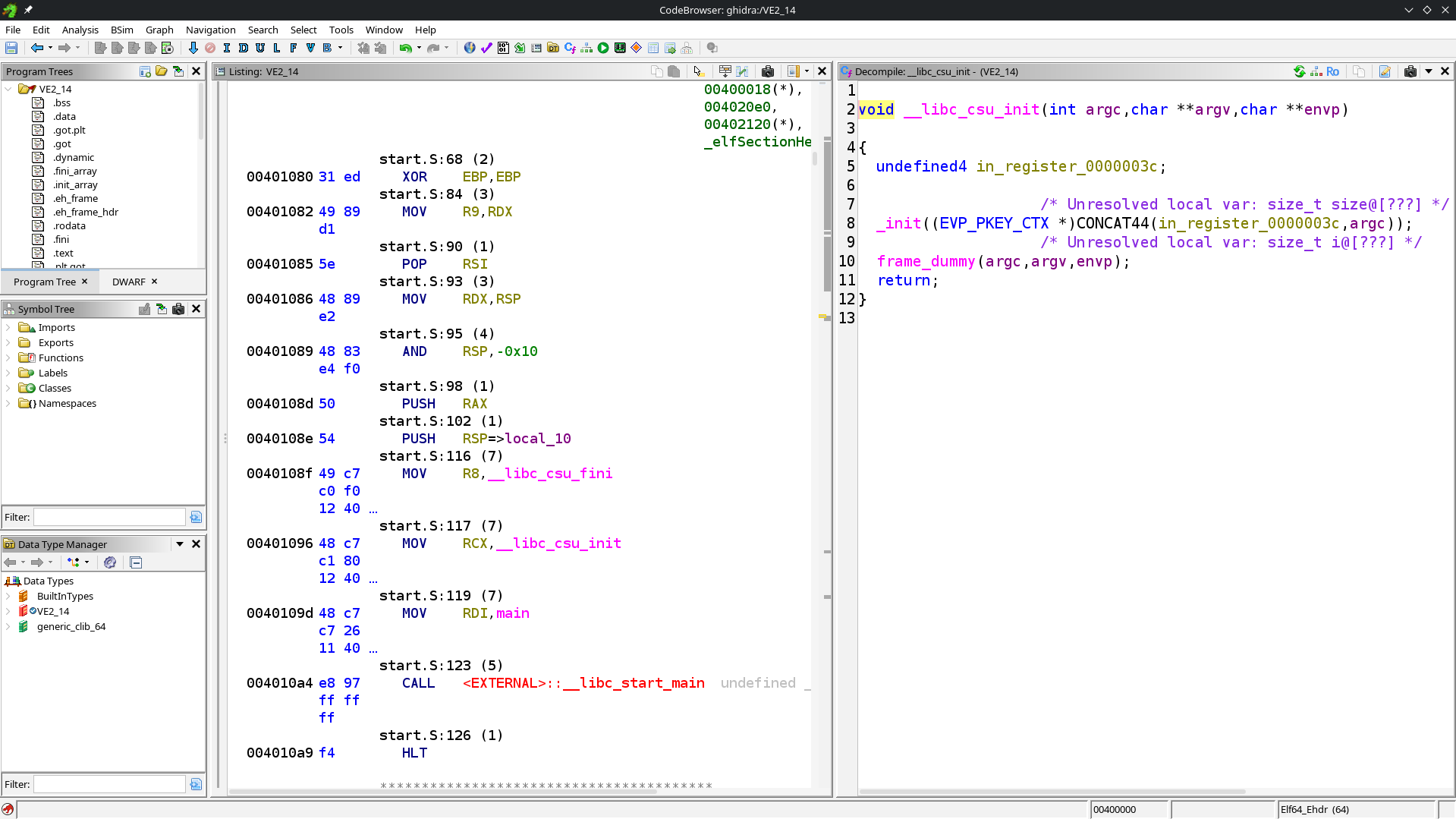
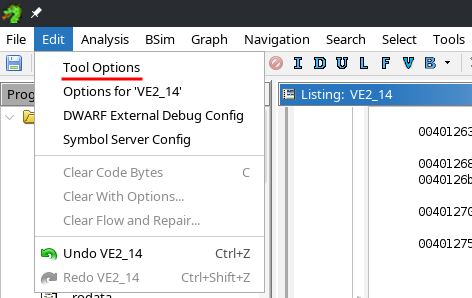
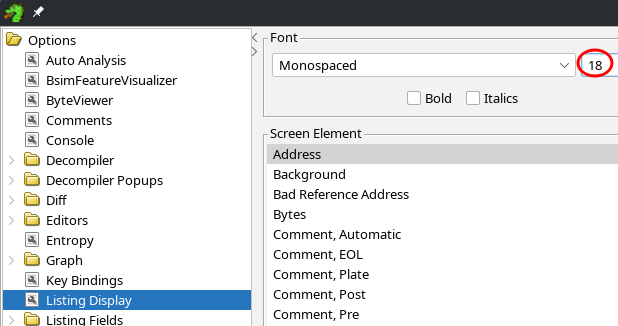
To reach the situation in the above picture, here are a few hints on how to find the options in the settings. Trust me, they are not trivial to find.
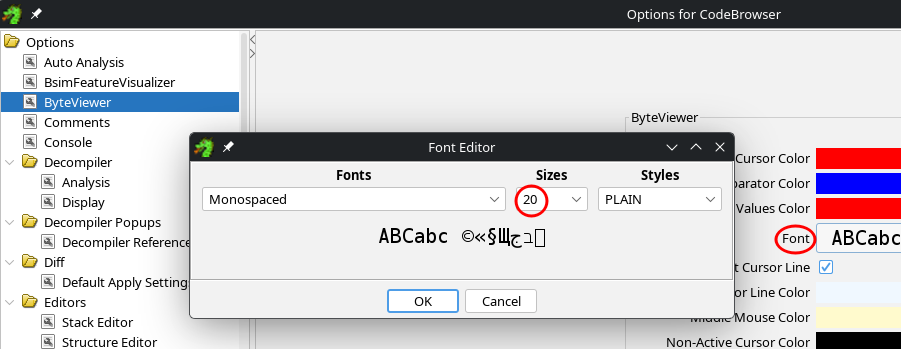
Once the settings are opened, you can change these 3 options.
Nice helpers
Ghidra has several very neat helpers, that you don't want to miss out !
Copy bytes of a buffer
When you have bytes in a buffer, you can quickly copy the list of bytes in various formats. If you need to reuse this buffer in C, you can use Copy Special... then C Array. Then the shortcut Copy as "C Array" will appear.
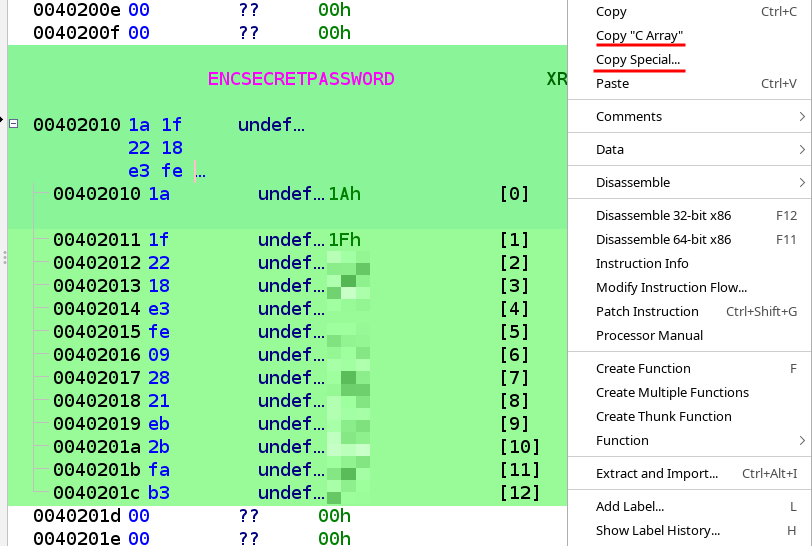
The result in your clipboard is what follows the equal sign.
char ENCODED_PASSWORD[LIMIT] = {0x1a, 0x1f, 0x1b, 0x28, 0xbd, 0xfa, 0x02, 0x4e, 0x24, 0xec, 0x2d, 0xfc, 0xb7};