Introduction
A play button in your terminal
You probably already used Play buttons ▶️ in your code editors in the past. Their extreme simplicity comes the from magic of removing all the repetitive commands to manage the build and execution. You don't need to know their arguments, think about chosen them and you don't them. You just press the button and your code or tests get executed!
This amazing experience should not be restricted to heavy IDE with tons of plugins. You should access this power directly from your terminal to use it manually or even use in scripts. This is what Runox is. Based on files given as arguments or marker files it will detect what you may want to run. With a simple one letter command r, you can run almost anything standard.
When developing small scripts or bigger programs, you will manually run them again and again until you made it work. This is when you should start setting up some automation. Without Runox, you will try to run the operation automatically and reach for native watch modes. Some tools like node --watch or cargo watch -c -x run work fine, but most languages don't support it (think about C, C++, CMake, Java, Maven, etc.).
Runox solves this other problem, by choosing relevant files to watch and managing the command restart. This is a easy as adding a simple flag -w to enable the watch mode.
The current version is developed in Fish and works fine. As Fish doesn't work on Windows, it is not supported on this plateform but Linux and MacOS are compatible. A rewrite in Rust is in progress and will be also documented here. It will bring a novel -c flag to run your code inside Docker containers.
Demo
Just run a python script.
> ls
demo.py
> cat demo.py
print("Hello world")
> r demo.py
Hello world
With a simple C file, instead of mkdir -p build/ && gcc -o build/main main.c && ./build/main and without creating a Makefile.
> ls
main.c
> r
hello world!
With a CMake project, instead of the very long cmake . -Bbuild && cmake --build build/.
> ls
CMakeLists.txt  hello.cpp  hello.h  main.cpp
> r
-- The C compiler identification is GNU 15.2.1
-- The CXX compiler identification is GNU 15.2.1
...
[ 33%] Building CXX object CMakeFiles/exo.dir/main.cpp.o
[ 66%] Building CXX object CMakeFiles/exo.dir/hello.cpp.o
[100%] Built target exo

Running ./build/exo
hello world from helloWorld()
With a Cargo project (Rust)
> ls
Cargo.lock  Cargo.toml  src  target
> r
   Compiling scratch-rust v0.1.0
    Finished `dev` profile [unoptimized + debuginfo] target(s) in 0.07s
     Running `target/debug/scratch-rust`

Hello, world!
Detailed help
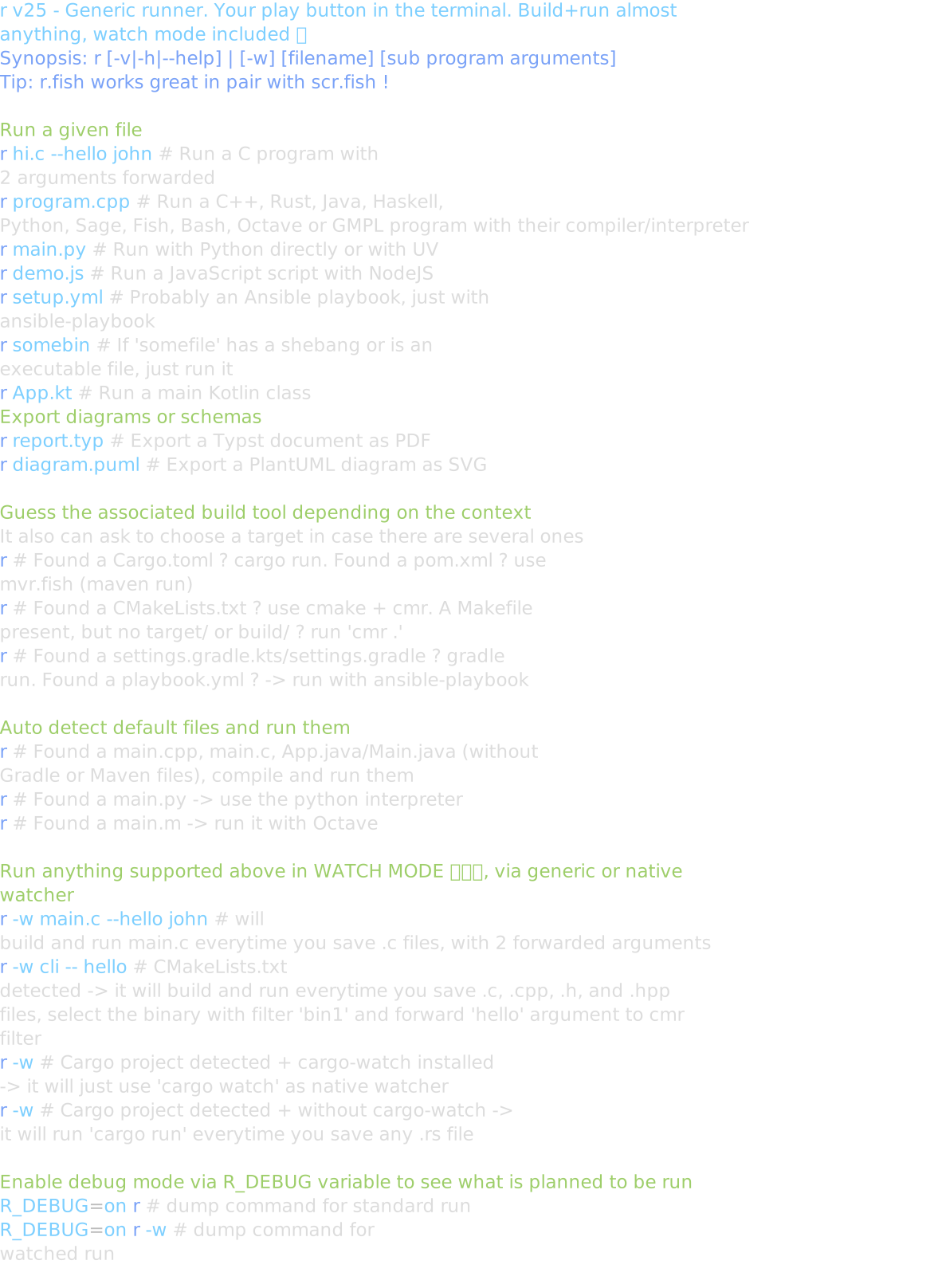
The current implementation more than a dozen languages and build tools. Here is the full help of r.fish.