
Setup
There are only a few tools necessary for this course, outside the compilers, build tools and easy access to documentation.
Installing necessary tools on Fedora
Tools for PRG1 includes
- GCC and G++
- CMake, Make and Xmake
- GTest just in case you need it
- Zeal docs
Fedora
lxup play base
lxup play prg1
IDE
CLion works very very well and if you don't want to care about using CLion and it being proprietary, just go get the seamless experience. You can reach the similar experience without depending on Jetbrains, here are a few tips to use opensource alternatives !
Terminal usage
Clicking on a green play button will not help you understand the tools used for compilation and execution. I don't say that's bad to click or use the associated shortcut, that's the easiest way to get started, but that's also very interesting and useful to understand the various steps behind it, in case you don't have the editor on another machine.
Building a single file
The most basic way to build a C++ program is to use the compiler directly, namely g++. Given a single main.cpp with a main function, you can compile to get a binary like this:
g++ -o main main.c
The -o means output name, so if the build succeeds we have a main file on the current folder.
Execution
We can execute any binary with a relative path, like this
./main
The ./ is important because otherwise it will search a program called main globally and will probably not find it.
Later, when you will get a build folder to separate all build files, you will run in the same approach like this
./build/main
Building multiple files
What if we have other files, like utils.cpp and utils.h ? We just have to continue the list of .cpp files.
g++ -o main main.c utils.cpp
The execution remains the same.
Building with CMake
CMake is a popular tool used to manage the compilation of C++ projects with dependencies, linking, compiler flags, ...
TODO: continue with this + cmb
Quick execution without knowing the executable name
Each project defines its own target name, you will not be able to run ./build/main always because the target will often have another name. CMake (very sadly) doesn't have a run subcommand like many build tools out there (cargo, gradle, npm)...
I developed a small Fish function to easily run one or pick among the list of executable files inside build, it is called cmr (like CMake run), take a look at tools README to install it.
VSCode setup
Basic extensions
To get a complete experience, you really need the C/C++ extension from Microsoft (which is proprietary). Otherwise you can use the clangd extension and clang-format to have language and formatting support.
Cpp reference inside your editor !
Just install the extension Cpp Reference manually or with this command
code --install-extension Guyutongxue.cpp-reference
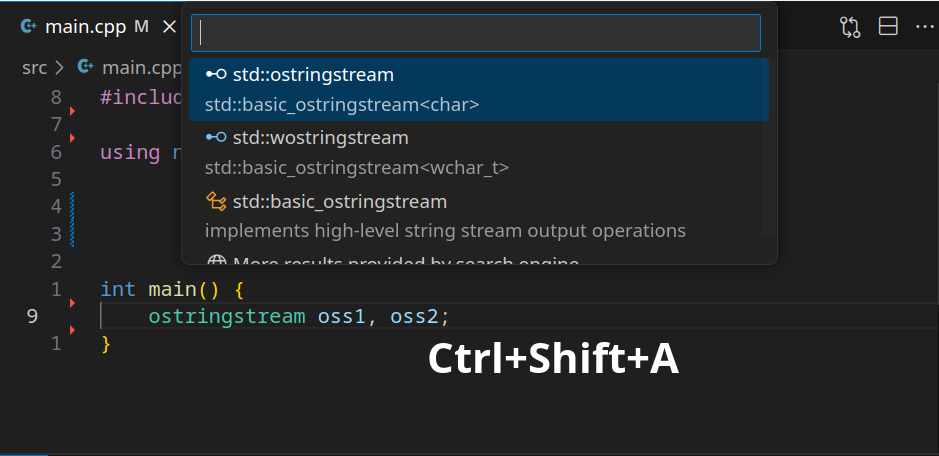
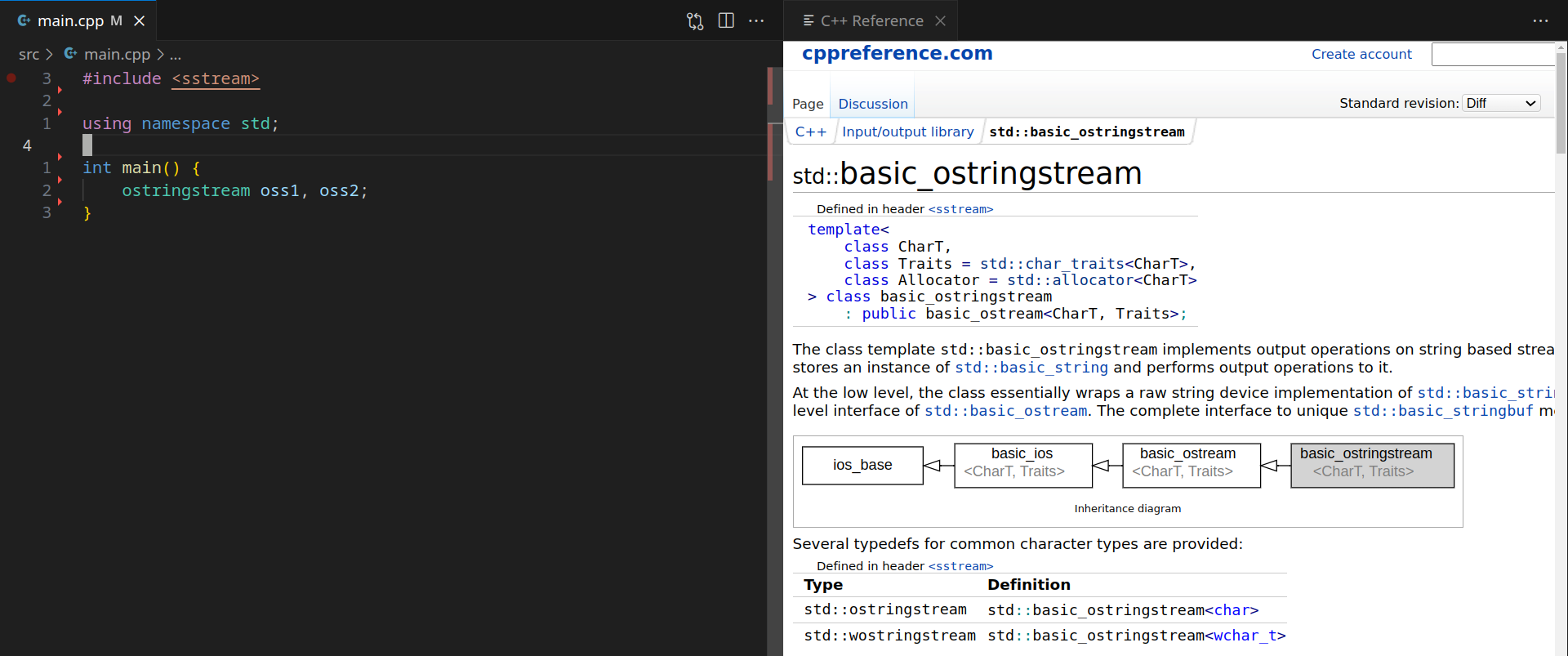
Now, on any piece of code when your cursor if on a given class, keyword or #include, or anything documented on CppReference, you can press Ctrl+Shift+a, and it will prompt you in case several pages exist. Here I have the cursor on ostringstream.
Then it will open the related page
Neovim setup
TODO: document this
Things to document
- debug
- build via button
- build from terminal
- build via terminal from shortcut
- run
- cmake build + run alias
- .clang-format