
Local use
The fact that Excalidraw is a web application, makes file management very annoying. After a few schemas, you'll be lost in your Downloads folder filled with
Untitled-2026-03-07-1445.excalidrawUntitled-2026-03-07-1445(1).excalidrawUntitled-2026-03-07-1445(2).excalidrawUntitled-2026-02-29-1119.excalidraw- ...
Which schema should I open ? What is the latest version of the schema I just closed ? Which versions can I safely delete ?...
Hopefully, there is a better way ! Excalidraw is a web app configured to be "installed" via the PWA concept. This doesn't work with Firefox sadly (as of 2026-07-29). We only tested this with Chromium based browsers. The first advantage of this "installation" is the opening of your diagrams directly from your files explorer.
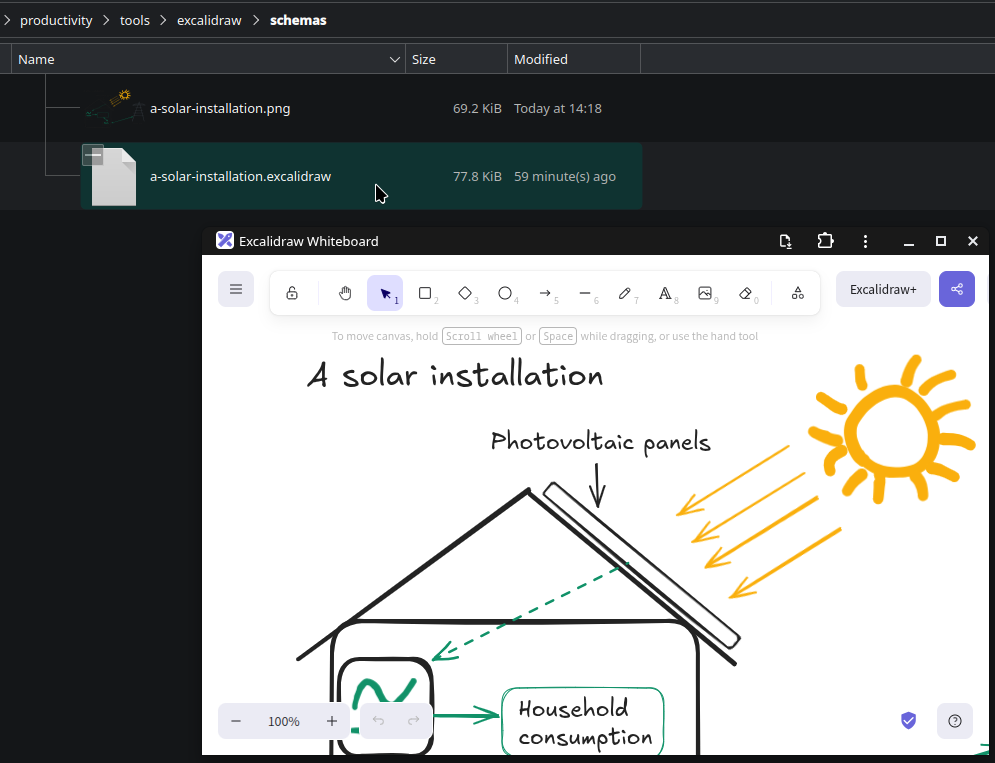
The second and most important advantage: when you save the file, it will directly save it without using the Downloads folder !

Setup Excalidraw with the PWA
You can just use the button Install at the top.
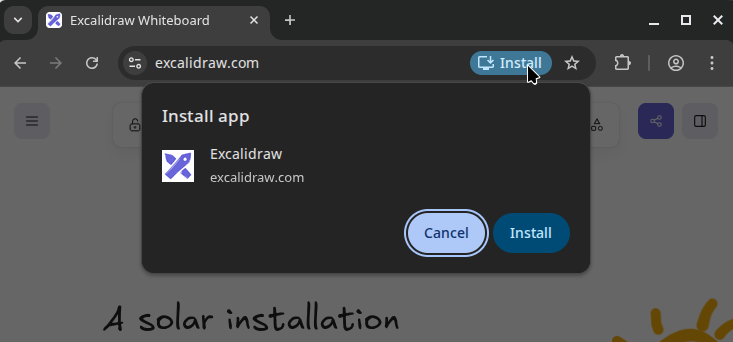
If necessary, you can define the app Excalidraw to be the default opener for .excalidraw files, if it doesn't setup this configuration automatically.
Quickly start new diagrams
You are in a rush to explain a tricky concept ? Instead of opening the app, saving your previous schema and opening a new one, you can quickly generate an empty diagram and open it with our tool scr. You can install it with lxup get scr. Help: I don't have lxup !
scr draw
The diagram will be generated and opened with xdg-open $final. If you defined the PWA to be the default opener, it should open.
Now, you may also want to bind this command to a global shortcut :)