
Labs
Colored man pages
You may also want to have colored man pages and/or access them easily via keyword ? See the PRG2 tips.
Format only modified lines instead of the whole file in VSCode
If you format everything, it will create a huge git diff that is not easy to read for assistants and for you. In VSCode, it's possible to only format the modified lines to keep the git diff clean, which is pretty neat. I recommend to disable autoformatting just during SYE labs and run Ctrl+Shift+P > Format modified lines manually instead.
Running outside SO3 for some labs
Note: this only work for a few labs, sometimes you will get compilation errors due to sys_info or other SO3 specific functions, in this case, don't loose your time with that, just use sr !
Some labs only require working with userspace programs (C files inside usr/host/) including syscalls that are not specific to SO3. Sometimes this is explicitely given in instructions, sometimes not.
You can reuse this from the PCO setup, to easily build with CMake when you see a CMakeLists.txt, see how to setup and use in section Building a CMake project via terminal.
To develop the memsim in lab 11 you can work without SO3
cd usr/host # just once
r -w mem # build memsim.c and run memsim.elf, in watch mode
Fix "unknown things" errors in VSCode
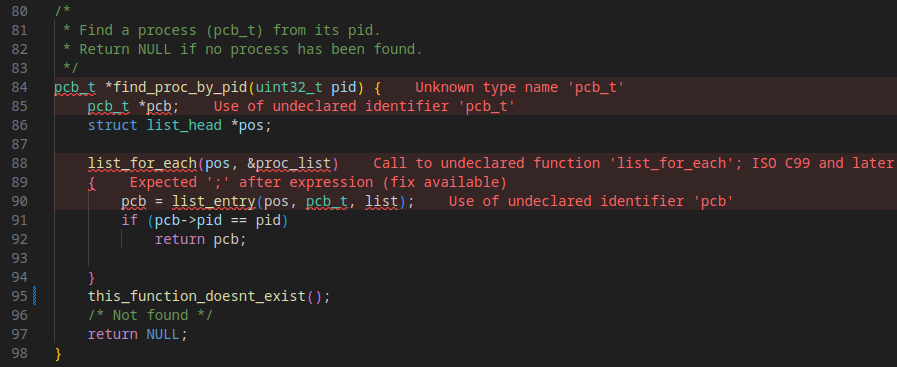
Even if SO3 is compiling via make, the clangd server inside VSCode (or other IDEs) might fail to find all available functions and included headers... To fix this issue, you can generate compile_commands.json to help clangd figure out how the project is built.
It makes a lot of valid code in red but doesn't detect invalid functions...
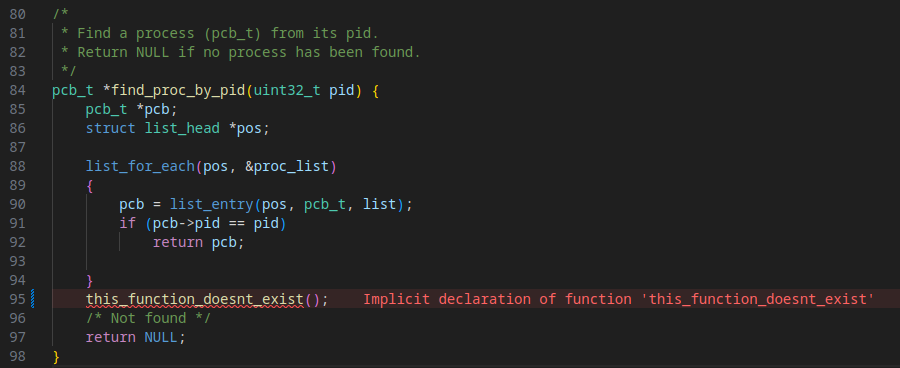
What you want is this, no more false positives and the real errors are found
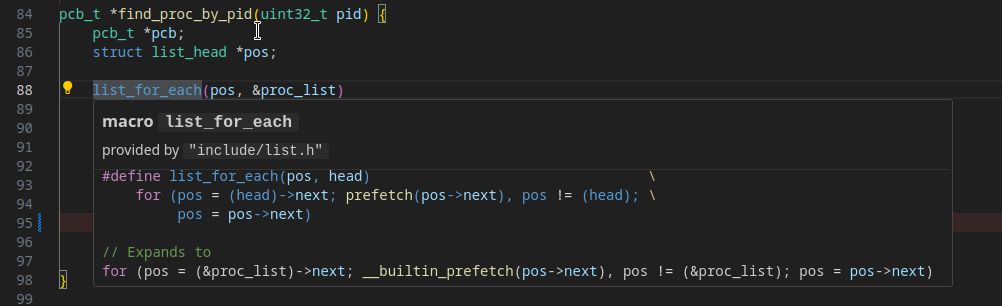
and all the niceties of info on hover or ctrl+click to find definition works again !
Just run sr fix to fix this problem.
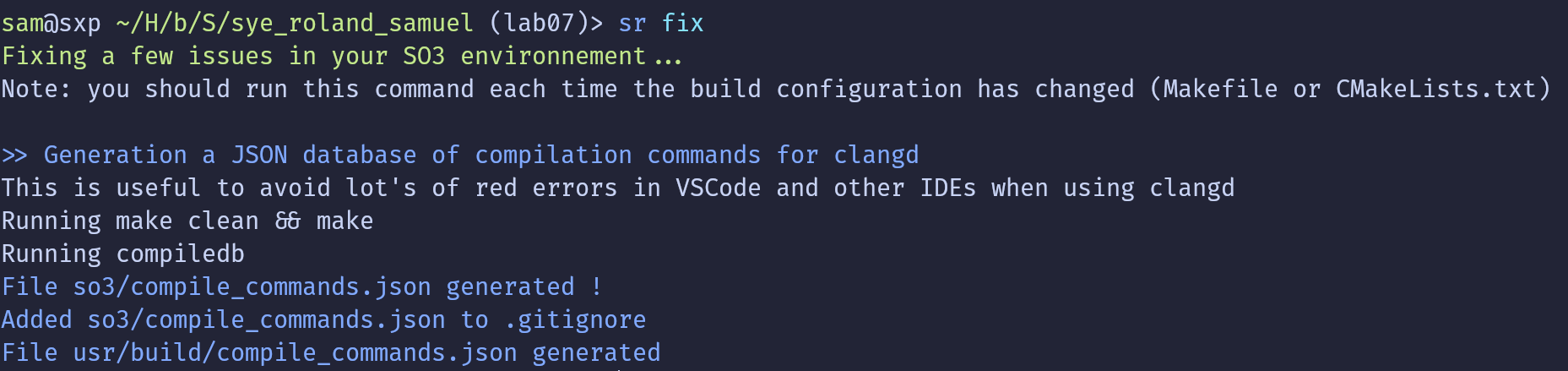
See the manuel steps behind this magic command
On the kernel space (so3 folder), you need this Python utility called compiledb
pip install compiledb
cd so3
compiledb make
ls compile_commands.json
cd ..
On the user space (usr folder), CMake already supports this you can run this command
cd usr
cmake -DCMAKE_EXPORT_COMPILE_COMMANDS=1 -B build
ls build/compile_commands.json
cd ..
That's it, hope it helps !
Running make + sr at once in VSCode
As for the PCO course, I mapped a keyboard shortcut (feel free to change it) to a command in the VSCode integrated terminal to easily build and run. This time we would like to run something like make && sr ls, with various sr arguments depending on the lab.
To configure this mapping on Ctrl+t, in VSCode:
- Open Command palette (Ctrl+Shift+P)
- Type
keyboard shorcutsto findPreferences: Open Keyboards Shortcuts (JSON) - In this JSON configuration file you can add this entry
{
    "key": "ctrl+t",
    "when": "editorLangId == c",
    "command": "workbench.action.terminal.sendSequence",
    "args": {
        "text": "\u0003 clear && make -j8 && sr ls\u000D"
    }
},