CLI
No matter what kind of Linux environment you are using, even the provided VM, this asm CLI can save you a LOT of time ! Here are the commands you should know to build, run and fix the environment. You'll learn also learn about debugging in the next page.
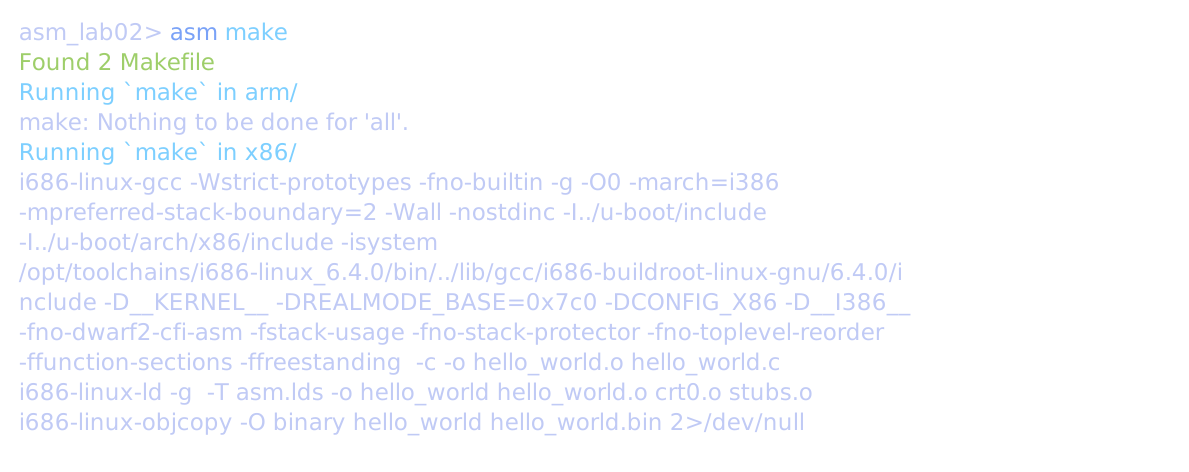
asm make
It will search for all Makefile in the lab, go inside each parent folder, and finally run make with given arguments (asm make clean -> run make clean).
asm run
Run any .bin inside Qemu.
asm run arm/hello_world.bin
It packs the ./st/./st86 + tftp + go 0x... steps into a single one. Just pick your binary and wait. At the end, when you see the Uboot shell => after the program exit, you can hit Enter to restart the program.
Warning: the run and debug commands do not send your input immediately to your program. It is only sent when you press enter. When you see Hit any key to exit ... and you type a, nothing will happen, that's a known bug. Just type enter in this case instead of something else. We hope this is not a big deal as no simple solution do exist to our knowledge...
For this error failed to find romfile "vgabios-stdvga.bin", checkout the next asm doctor command.
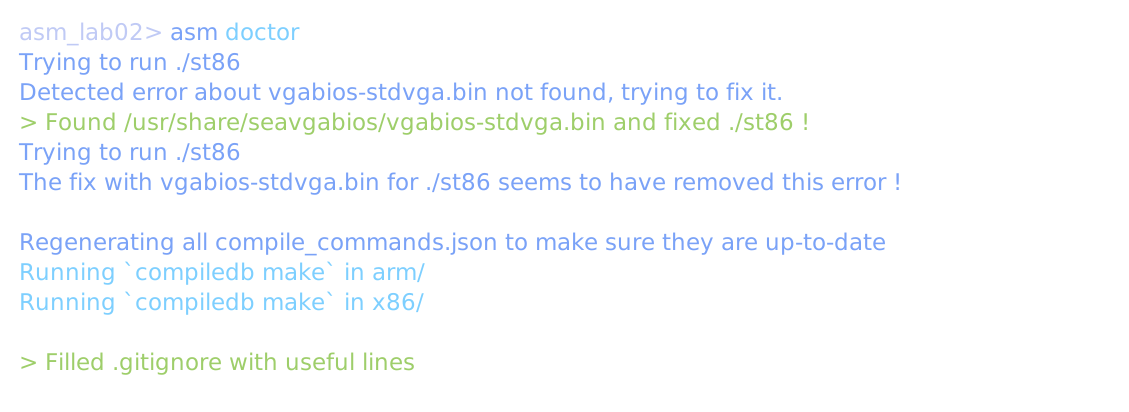
asm doctor
Fix your environment when you have issues. May need to be run once per lab.
How it works
./stalready works but to be able to run./st86starting from lab 2, you have to change the last line ofst86to add an argument.
Change this line
by these 2 lines-nographic
It's working for me then, but I'm not 100% sure this is the right fix. If you don't do that, you'll encounter this error-nographic \ -L /usr/share/seavgabios/qemu-system-i386: Initialization of device VGA failed: failed to find romfile "vgabios-stdvga.bin"
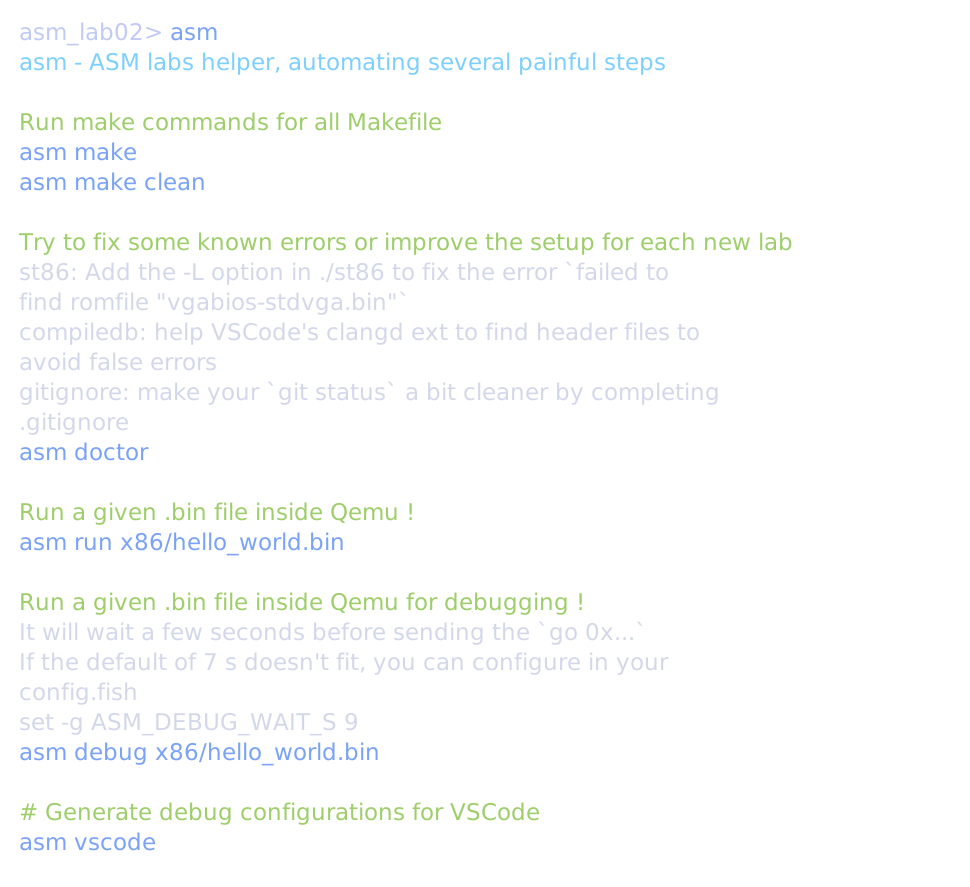
asm - showing the help
Typing asm just show its detailed help. If you don't remember the exact command, looks at the documented examples.